Voice and touch control
Run the sim without walking back to the keyboard.
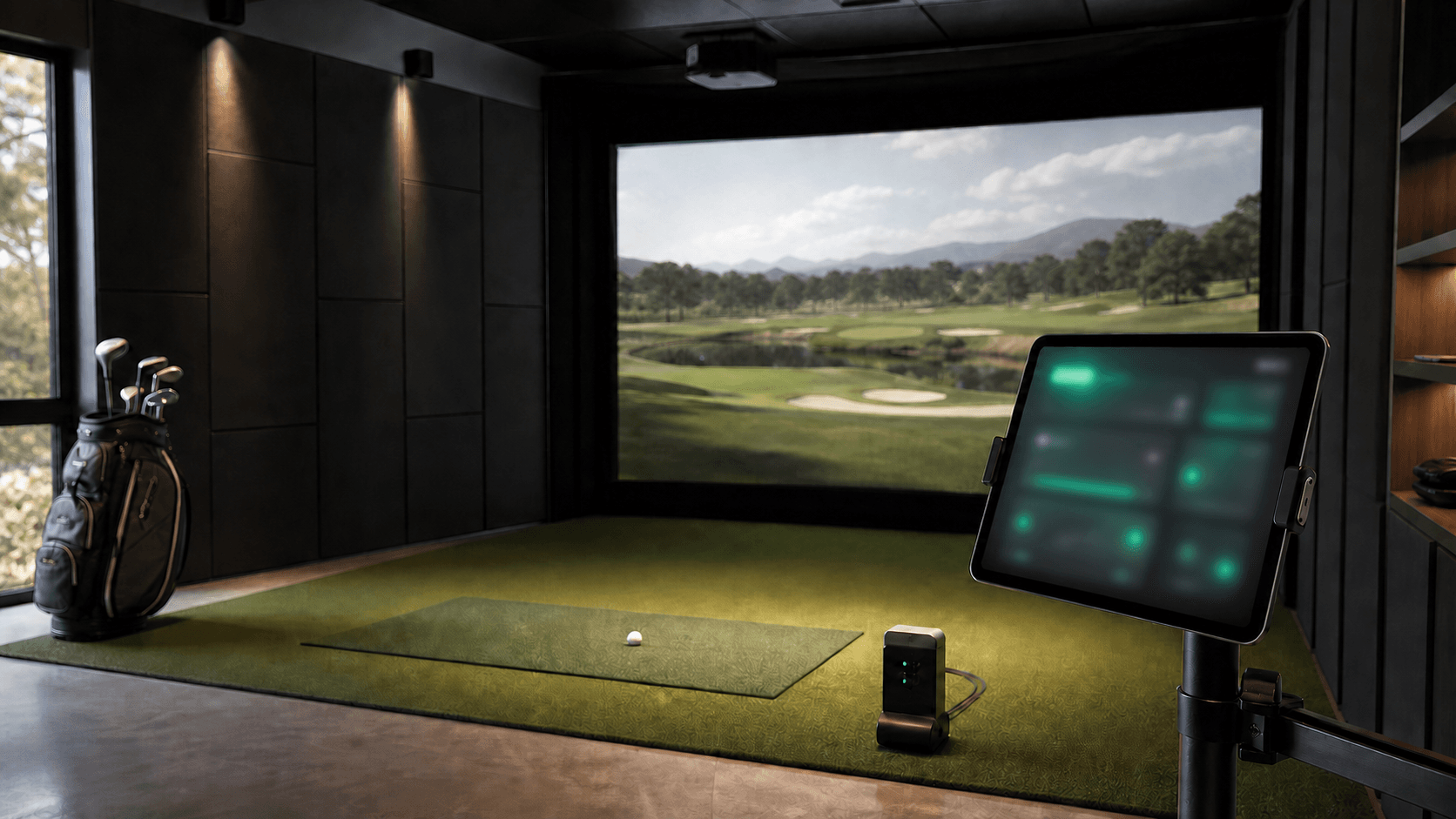
Aim, switch clubs, open flyovers, take mulligans, and control round flow from a tablet in the bay or short voice commands.
 SimBuddy
Golf simulator control, coaching, and commentary
SimBuddy gives GSPro players a tablet-first control board, fast voice commands, AI shot analysis, and personality-packed round commentary built for real home simulator sessions, plus My SimBuddy for reviewing progress away from the bay.
< 1 sec
Target voice-to-action response
LAN first
Controls keep working locally
Web first
Tablet, phone, and desktop ready
Built for the bay
SimBuddy is designed around the moments that slow simulator golf down: switching clubs, changing views, chasing shot feedback, and keeping a round moving when your hands are full.
Voice and touch control
Aim, switch clubs, open flyovers, take mulligans, and control round flow from a tablet in the bay or short voice commands.
Shot intelligence
SimBuddy watches the shot feed, tracks patterns by club, and saves your stock-shot history so useful feedback carries into your next session.
AI commentary
Choose a coaching, caddie, or broadcast-style persona for quick readouts, playful commentary, and round context.
My SimBuddy
Your simulator session ends. Your progress does not. Sign in from any browser to see the stock shots SimBuddy has saved and build a clearer picture of your game over time.
Open My SimBuddyOverview
See saved sessions, stock-shot totals, and your longest club at a glance.
Your Bag
Review stock carry, consistency, best carry, and smash for each club.
Trends
Explore carry, smash, start line, dispersion, and club gapping across time ranges.
Your Account
Check your access level and daily AI feature usage in one place.
How it works
Install the lightweight Bridge on the simulator PC.
Open SimBuddy on a phone, tablet, or desktop browser.
Control GSPro, collect shots, and hear useful feedback from anywhere in the bay.
Open My SimBuddy later to review your bag and see how your game is trending.
Product direction
FAQs
These answers are based on the current SimBuddy build docs, distribution plan, and product roadmap.
My SimBuddy is your off-simulator account portal. Sign in with Google to review saved session totals, stock-shot history, club distances and consistency in Your Bag, performance Trends, and account or AI-usage details. It is read-only, so live GSPro controls stay in Sim Mode in your simulator bay.
SimBuddy is built around GSPro on Windows first. The control surface, Bridge, installer, and shot-feed work are all aimed at serious GSPro home simulator bays.
Only the SimBuddy Bridge runs on the sim PC. It hosts the web app for phones/tablets, sends local control commands to GSPro, and listens for shot data when the shot-feed dependency is available.
Yes. The app is web-first and designed for phone, tablet, and desktop layouts. The Bridge shows a local URL/QR code so a device on the same network can open the control board.
Control voice is designed to run on-device with a constrained command grammar, then send commands over the LAN to the Bridge. Cloud services are for AI analysis, commentary, sign-in, and history features.
Npcap lets the Bridge passively observe supported shot data on the sim PC. Controls still work without it, but the live shot feed and shot-history features need that local capture path.
Local controls are LAN-first. Cloud-backed features like sign-in, AI analysis, commentary, and synced history need internet access, but the basic control path is designed not to depend on it.
The roadmap is a coach that remembers: store shots, summarize patterns by club, produce session reviews, suggest practice focus, and provide round commentary grounded in the available shot context.
It is in Windows beta/tester packaging. The current download path is meant for early testers who are comfortable with a Windows installer, SmartScreen prompts, same-network setup, and occasional rough edges.
Contact us
Tell us about your simulator bay, your current GSPro workflow, or the feature you want most. The form sends directly to the SimBuddy team.
Good fits: home simulator owners, GSPro users, and beta testers.